Your materials. A little room to work.
The sewing table.
A place for the practical details, with enough care to make them feel personal.
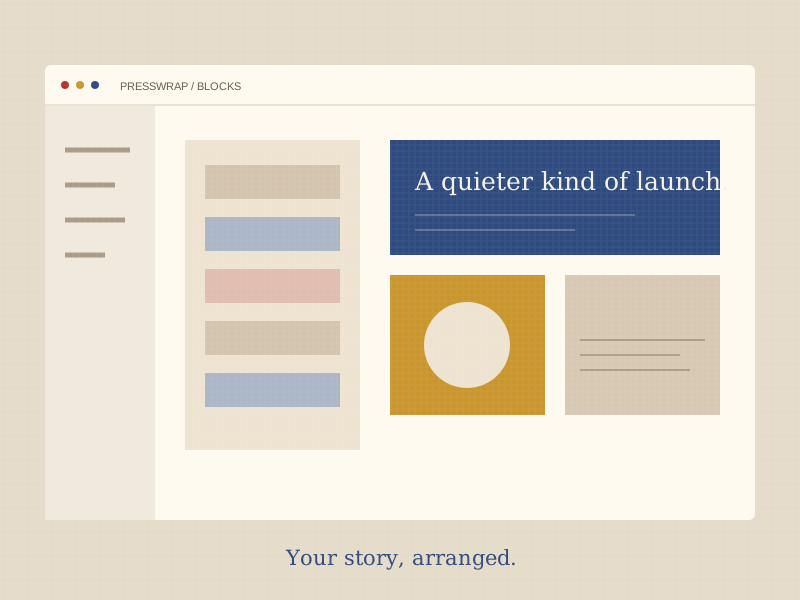
01 / Cut to fit
The Cutting Mat
Start with the pieces you already have. Arrange a biography, announcement, photographs, and useful links into a story someone can scan.
- Drag materials into readable blocks.
- Keep a clear introduction above the details.
- Preview the rhythm of your page before sharing.
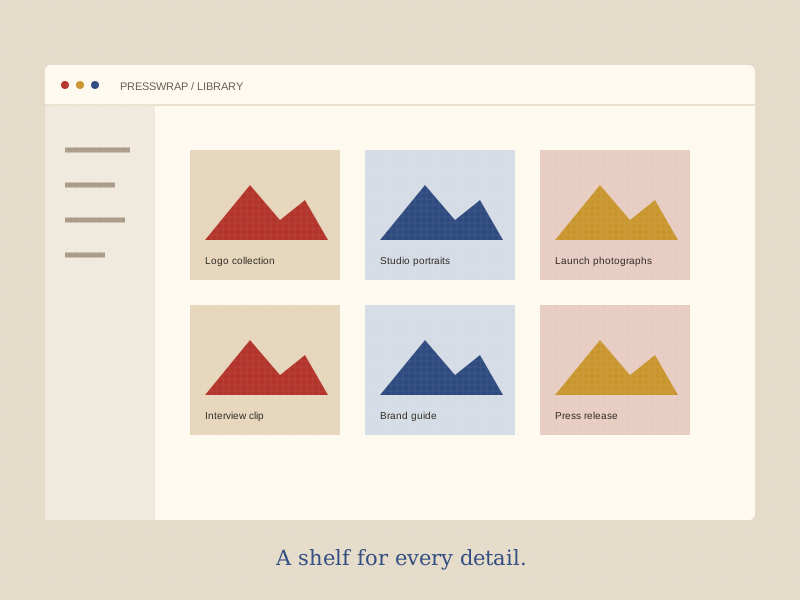
02 / Everything within reach
The Fabric Shelf
Bundle includes a 10GB library for logos, photography, and video. Give recipients the assets they need without a long email thread.
Use descriptive filenames and check that you have permission to share each file. Download tracking helps you understand which materials are useful.
Make room for your assets →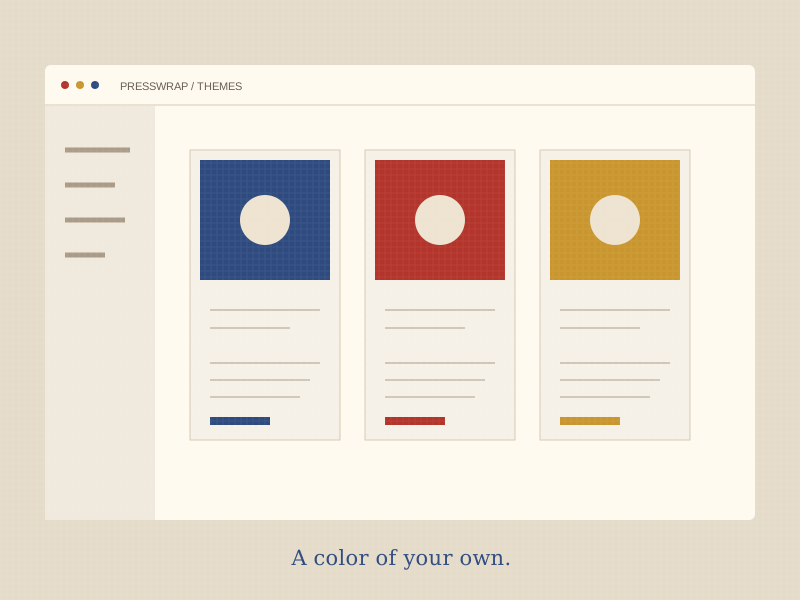
03 / A color that feels like you
The Dye House
Begin with patchwork-inspired themes. Wrap adds brand colors; Bundle adds custom CSS. Ceremonial brings the kit into your own site with an embed widget.
A consistent typeface, a considered palette, and a clear order can say a lot before the first download.
Compare every detail →Made to share
One link for the whole story.
Easy to export
Keep a copy of your materials.
A personal fit
Themes with room for your identity.
Thoughtful teams
Seats and approvals as you grow.